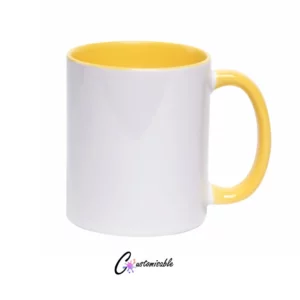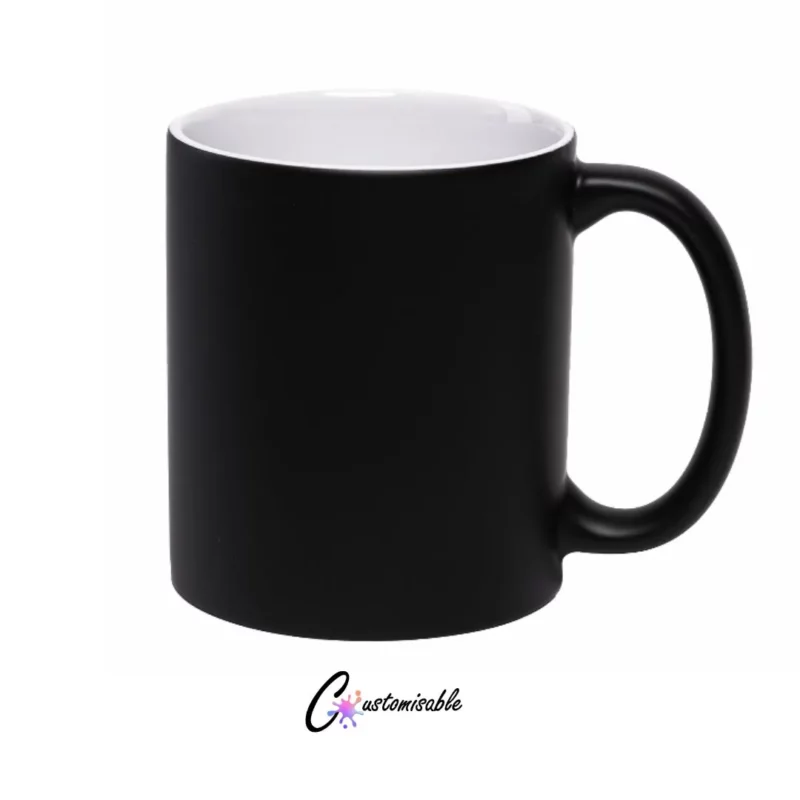

11 oz Matte Black Magic Mugs
The Matte Black Magic Mugs is a premium quality ceramic mug designed for vibrant, long-lasting custom prints. Featuring a special heat-sensitive coating, these mugs appear their original colour when cold. As hot liquid is poured in, they transform to reveal the hidden design beneath..
Key Specifications & Features
Durability: A Grade, Handwash Only (Microwave Safe)
Capacity: 11 oz (~325 ml)
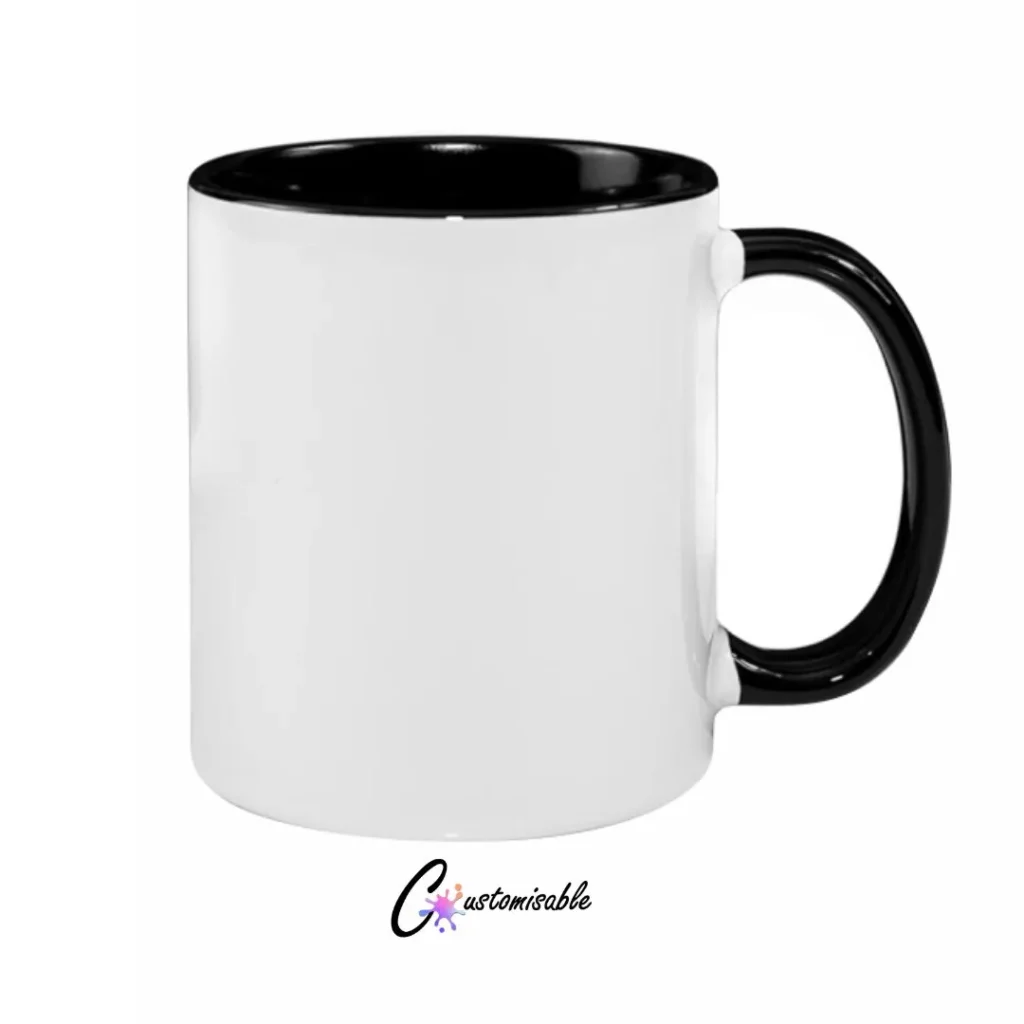
Design: Glossy white exterior with contrasting color inner wall and handle
Material: Grade-A Ceramic with premium sublimation coating
Printable Area: Approx. 200 mm (width) x 95 mm (height)
Compatibility: Standard 11 oz mug presses, 3D vacuum heat presses, and convection mug ovens
What heat press settings are recommended for 11oz two tone sublimation mugs?
A recommended starting setting for an 11oz two-tone ceramic sublimation mug is:u003cbru003eu003cbru003eu003cstrongu003eTemperature:u003c/strongu003e 190°Cu003cbru003eu003cstrongu003ePressing time:u003c/strongu003e 240 secondsu003cbru003eu003cstrongu003ePressure:u003c/strongu003e Medium to firmu003cbru003eu003cstrongu003eHeating element:u003c/strongu003e 11oz mug press elementu003cbru003eu003cbru003eAdjust the pressure before heating the press. The heating element should grip the mug firmly and evenly without applying excessive force.u003cbru003eu003cbru003eBecause mug coatings and heat presses differ, always test one mug before pressing a full order.u003cbru003eu003cbru003eIf the print is pale or uneven, first check that the mug is receiving even pressure. You can then increase the pressing time in small increments of approximately 10 to 20 seconds.u003cbru003eu003cbru003eIf the print appears blurred, brown or over-pressed, reduce the pressing time or temperature.u003cbru003eAlways follow the pressing instructions supplied with the exact mug blank when they differ from these starting settings.
Which part of an 11oz two tone mug can be sublimated?
Sublimation designs are applied to the white polymer-coated exterior of the mug.u003cbru003eThe coloured handle and coloured interior are decorative areas and are not normally intended for sublimation printing.u003cbru003eu003cbru003eThe white exterior provides the coated surface needed for dye-sublimation ink to bond with the mug during the heating process.
Do I need to mirror my design before sublimating a mug?
Yes. The design must be mirrored before it is printed onto sublimation transfer paper.u003cbru003eMirroring ensures that text, names, logos and other directional elements appear the correct way around after the artwork is transferred to the mug.u003cbru003eMost sublimation printing software and design programs include a mirror or horizontal-flip setting.
How can faded sublimation prints on mugs be prevented?
Faded mug prints are commonly caused by insufficient heat, pressing time or pressure.u003cbru003eTo prevent faded results:u003cbru003eu003cbru003e- Use genuine dye-sublimation ink.u003cbru003e- Use sublimation transfer paper.u003cbru003e- Confirm that the mug has a sublimation-ready coating.u003cbru003e- Apply even medium-to-firm pressure.u003cbru003e- Make sure the heating element contacts the mug evenly.u003cbru003e- Secure the transfer tightly against the mug.u003cbru003e- Use the recommended time and temperature.u003cbru003e- Test one mug before completing a large order.u003cbru003eu003cbru003eIf only one section is faded, uneven pressure or a worn heating element may be the cause.


Customisable Suppliers is based in Cape Town and supplies ready-to-press DTF and UVDTF transfers nationwide across South Africa, including Johannesburg, Durban, Pretoria, Gqeberha, Bloemfontein and surrounding areas.