


Olive Green HTV | Easy-to-Weed Heat Transfer Vinyl
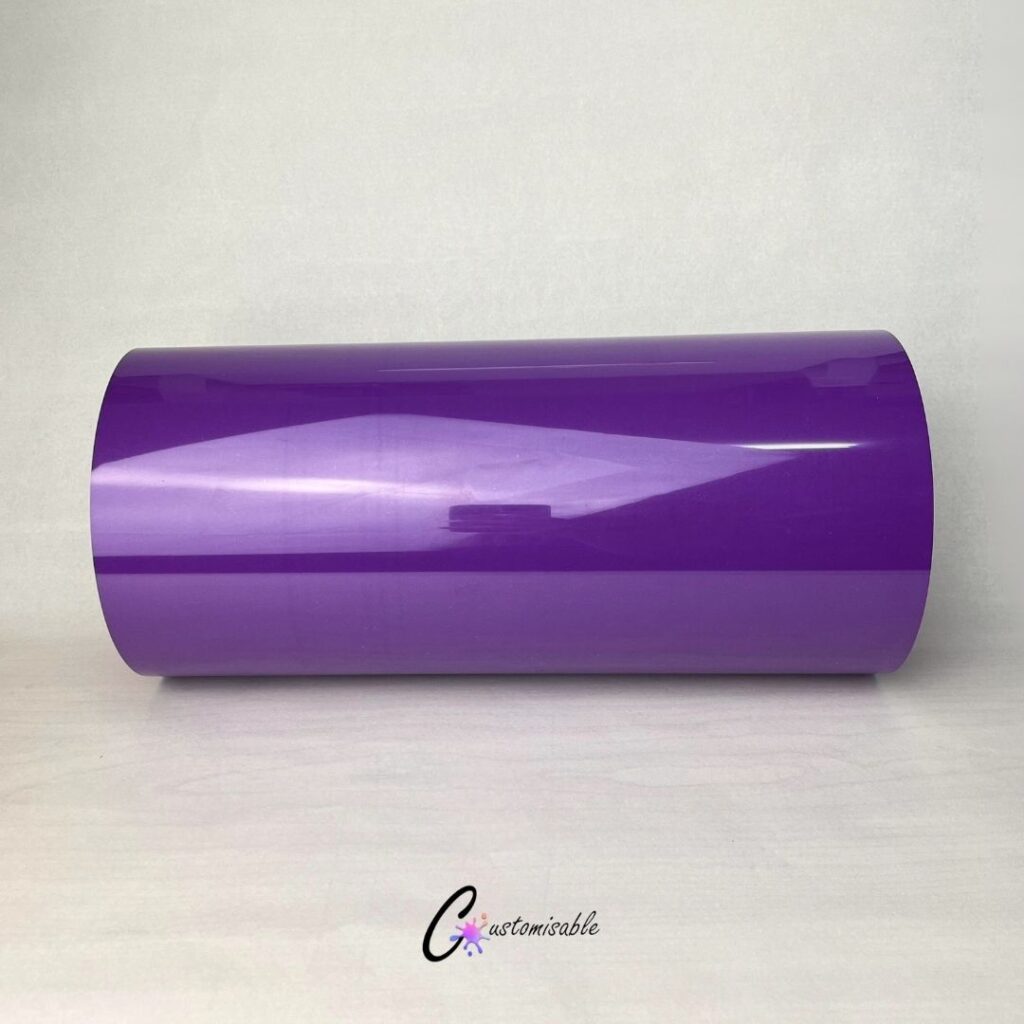
Looking to add a refreshing, modern touch to your apparel or custom merch line? Olive Green HTV is a top-tier choice for crafters and e-commerce business owners alike, offering a vibrant aesthetic that beautifully complements both light and dark fabrics. Whether you are cutting intricate floral designs on a Cricut or pressing high-volume streetwear blanks with a commercial heat press, this versatile hue delivers excellent opacity and a crisp finish that keeps your products looking premium. From everyday smooth finishes to eye-catching metallic chrome and glitters, mint HTV is the perfect shade to elevate your next custom collection.
HTV Specifications
| Detail | Information |
|---|---|
| Product | Olive Green HTV |
| Type | Classic PU Heat Transfer Vinyl |
| Colour | Olive Green |
| Size | 300mm x 500mm |
| Finish | Smooth finish |
| Compatible with | Cricut, Silhouette Cameo, Brother ScanNCut and other vinyl cutting machines |
| Application | Heat press or household iron |
| Best used for | T-shirts, baby grows, hoodies, tote bags, fabric pouches and personalised gifts |
| Use on | Cotton, polyester and cotton/poly fabric blends |
| Shipping | Available for courier delivery across South Africa or local collection in Durbanville, Cape Town. |
Is Olive Green HTV the same as iron-on vinyl?
Yes. “HTV” (Heat Transfer Vinyl) and “Iron-on vinyl” are simply different terms for the exact same thermal craft material. Cricut brands its retail HTV line as “Iron-on,” while the rest of the commercial crafting and printing industry calls it HTV.?
Can I layer Olive Green HTV over other colours?
Yes, you can layer different types of HTV, but specific rules apply. Standard smooth HTV can be used as a base or top layer, but specialty vinyls like Glitter, Flock, and Holographic should only be used as the top layer. These textured materials do not provide a stable surface for additional layers to adhere to.
What is HTV and how does heat transfer vinyl work?
HTV, or Heat Transfer Vinyl, is a specialty material used to decorate apparel. It works by using a heat-activated adhesive backing; once a design is cut and weeded, heat and pressure are applied via a heat press or iron to permanently bond the vinyl to the fabric’s fibers.
How do you make heat transfer vinyl last through the wash?
To make heat transfer vinyl (HTV) last, wait at least 24 hours after application before washing. Always turn the garment inside out, use cold or warm water with mild detergent, and avoid bleach or fabric softeners. For best results, hang dry or tumble dry on the lowest heat setting to prevent peeling.
Which side of heat transfer vinyl goes down on the mat?
When using heat transfer vinyl (HTV), place the shiny side down on the cutting mat. The shiny side is the clear carrier sheet, while the dull, matte side is the vinyl adhesive. Remember to mirror your design in your software before cutting so that it faces the correct direction when applied.
Do I need to mirror my design for heat transfer vinyl?
Yes, you must mirror your design when using heat transfer vinyl (HTV). HTV is cut from the back side, meaning you are cutting into the adhesive rather than the carrier sheet. Mirroring ensures that text and asymmetrical images appear correctly when the vinyl is flipped over and pressed onto your project.
Can you use heat transfer vinyl without a Cricut or Silhouette?
Yes, you can use heat transfer vinyl (HTV) without a Cricut or Silhouette machine. You can manually cut your designs using a craft knife or sharp scissors. For application, a standard household iron can be used as a heat source if you do not own a professional heat press.
How long after heat press can I wash my shirt?
You should wait at least 24 hours after heat pressing a shirt before washing it. This waiting period allows the adhesive to fully cure and bond with the fabric. Washing too early can cause the design to peel, crack, or lift. Always wash inside out using cold water for the best results.


What are the best heat press settings for HTV?
HTV Reference Guide – Heat, Time, and Pressure Settings
Heat Transfer Vinyl (HTV) Master Reference Guide
Standardized temperature, time, pressure, and peeling recommendations for top HTV variations.
Note: Settings are optimized for standard professional heat presses. If using a home iron or Cricut EasyPress, you may need to apply heavy manual downforce and add 5–10 seconds to the pressing duration.
| HTV Type | Temperature | Time | Pressure Settings | Peel Type |
|---|---|---|---|---|
| Standard / Smooth (EasyWeed) | 305°F / 150°C | 10 – 15 sec | Medium | Warm |
| Glitter | 320°F / 160°C | 15 sec | Firm / Heavy | Warm |
| Flock (Suede Feel) | 320°F / 160°C | 15 – 20 sec | Medium | Cold Only |
| Metallic / Chrome / Foil | 305°F / 150°C | 10 – 15 sec | Medium | Cold Only |
| Holographic | 320°F / 160°C | 15 sec | Firm / Heavy | Cold Only |
| Stretch | 305°F / 150°C | 15 sec | Medium | Hot or Cold |
| Puff (3D Dimensional) | 280°F – 290°F / 138°C | 8 – 10 sec | Firm / Heavy | Hot Peel (Immediate) |
| Patterned / Printed | 305°F / 150°C | 15 sec | Medium | Warm |
| Reflective | 315°F / 157°C | 15 sec | Firm / Heavy | Cold Only |
Crucial Production Tips
- Pre-heat garments: Always press fabric alone for 2–3 seconds prior to application to drive out natural ambient moisture and unneeded wrinkles.
- The “Cold Peel” priority: Foil, metallic, and holographic sheets warp instantly if peeled hot. Let them reach room temperature completely before pulling away the carrier film.
- Troubleshooting lifting: If any corners lift off the garment upon peeling, drop the carrier down immediately, cover with parchment/Teflon paper, and target press the failure point for an extra 5 seconds.


Reviews
There are no reviews yet.